
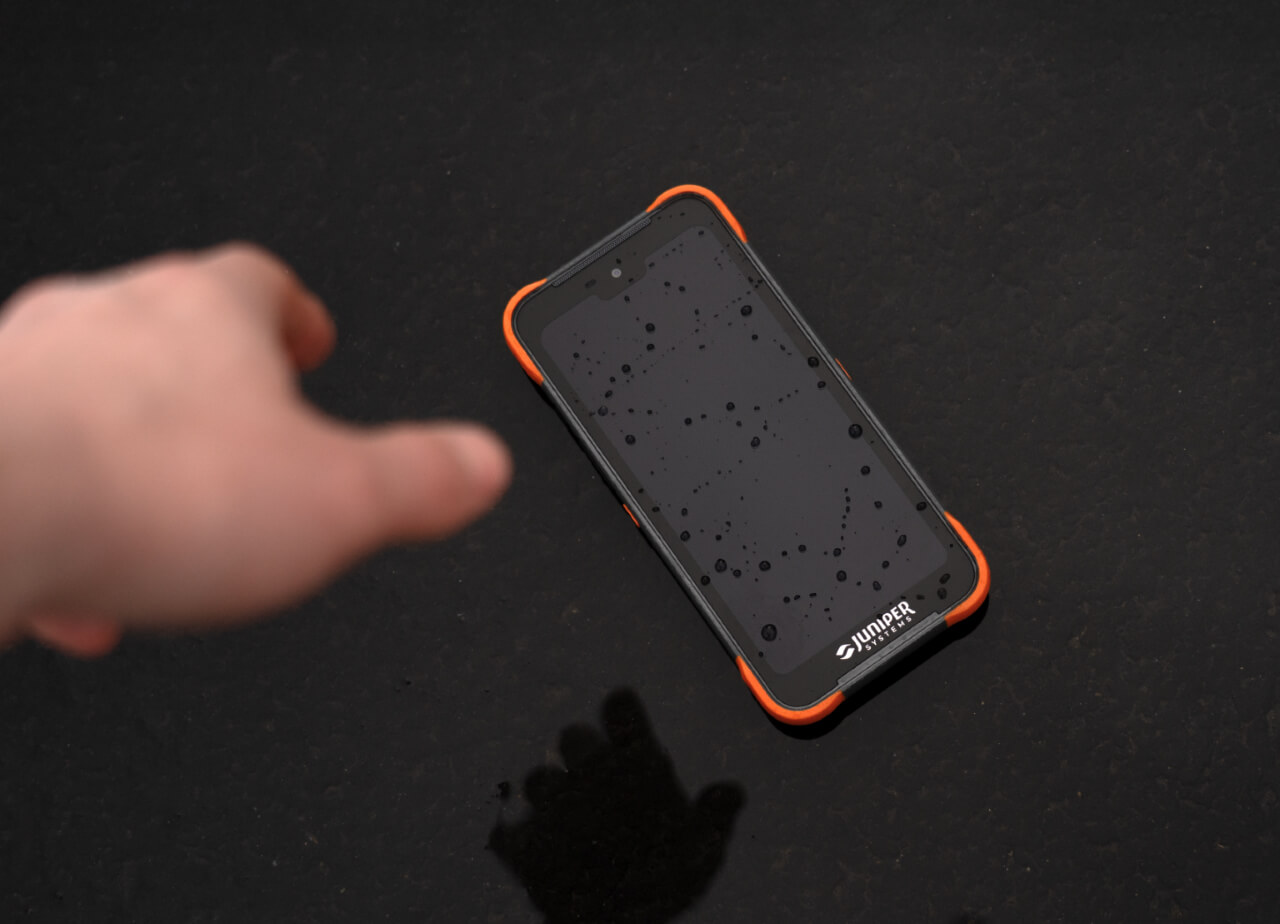
Field season is hard on equipment. After months of long days, changing weather, and dusty job sites, fall is the right time to clean, update, back up, and properly store your devices before winter. A little time now helps prevent battery problems, missed updates, damaged accessories, and downtime when you head back into the field.
Below, we’ve pulled together the key steps for each Juniper Systems product and linked to the support articles with full details about long-term storage.
Battery storage by product
The most important rule for every device: never put it away with a fully drained battery. Lithium-ion batteries last longest when stored partly charged, in a cool, dry place, and off the charger.
| Product | Storing for | Target charge | What to do |
| Geode GNS3 | More than 1 month | About 50% | Charge or discharge to 50%, then top it back up to 50% periodically. Use the supplied wall charger, not a computer USB port. |
| Spire | More than 1 month | About 50% | Charge or discharge to 50% and check the level periodically. Store between -30°C and +60°C. |
| Archer 4 | More than 2 weeks | 30–50% | Power off and remove the battery (steps below). Check it every three months and recharge to 30–50%. |
| Mesa 4 | More than 1 month | About 40% (set automatically) | Use the long-term storage feature in Device Settings > Misc (steps below). |
| Mesa Pro | More than 2 weeks | 50–70% | Power down, hold the power button about 20 seconds, and store at room temperature. Mesa Pro units on Embedded Controller Version 1.10 can use long-term storage (steps below). |
Geode and Spire
Both receivers have batteries you can’t swap in the field, so deep discharge is the biggest risk. A completely drained battery may not recover. On the Spire and Geode, that can mean sending the receiver to Juniper Systems for a battery replacement.
Archer 4
For storage longer than two weeks:
- Charge or discharge the battery to 30–50%.
- Press the power and volume up keys together.
- Tap Power Off on the touchscreen.
- Remove the battery and store it in a cool, dry location.
When you’re ready to go back out, reinstall the battery, connect the USB charger, and power on. Only storing it for a few days? Charge to 80%, power off, and leave the battery in.
Mesa 4/Mesa Pro
- Go to Device Settings > Misc.
- Turn on Automatically prepare batteries for long term storage.
- Follow the on-screen prompts. The tablet sets the battery to about 40% and electronically disconnects it.
- Store the tablet in a cool, dry place. You can leave the battery installed.
Mesa Pro
- Charge or discharge the battery to 50–70%.
- Power down the tablet.
- Press and hold the power button for about 20 seconds.
- Store at room temperature, then fully charge before you use it again.
Update and back up before you store
System updates are easy to overlook at the start of field season until you get a pop-up when you are in the middle of work. Installing updates now will give you a start. Though there will also be new updates in the off-season, this will mean fewer updates when you go to use your devices again.
Windows tablets (Mesa 4, Mesa Pro)
- Plug the tablet into external power and connect to the internet.
- Check for firmware and operating system updates through Device Settings.
- Back up project files, photos, forms, and exported data that still need to be saved somewhere else.
- Delete files you no longer need so the tablet starts next season clean.
Android devices (Mesa 3 Android, Archer 4)
- Check for Android system updates and update the apps you use in the field.
- Confirm important data has synced or been backed up.
- Power the device down before storing it, following the battery steps above.
Geode
- Check for a firmware update, especially if you didn’t update during the season.
- On compatible GNS3 models, check the Bluetooth firmware too, so the receiver reconnects smoothly in spring.
Uinta and Juniper Connect
- Make sure projects, forms, maps, and collected records are synced, exported, or backed up. This matters most if several people shared a device during the season.
- Update Uinta to the latest version.
- Update companion apps such as Juniper Connect, so your receiver connections, settings, and GNSS tools are ready to go.
Clean, inspect, and check accessories
Accessories take as much abuse as the devices themselves. Small issues are easy to ignore at the end of a busy season, and frustrating to discover when the next project starts.
- Devices: Wipe off dust, dirt, and moisture. Inspect charging ports, cables, battery doors, and screen protectors.
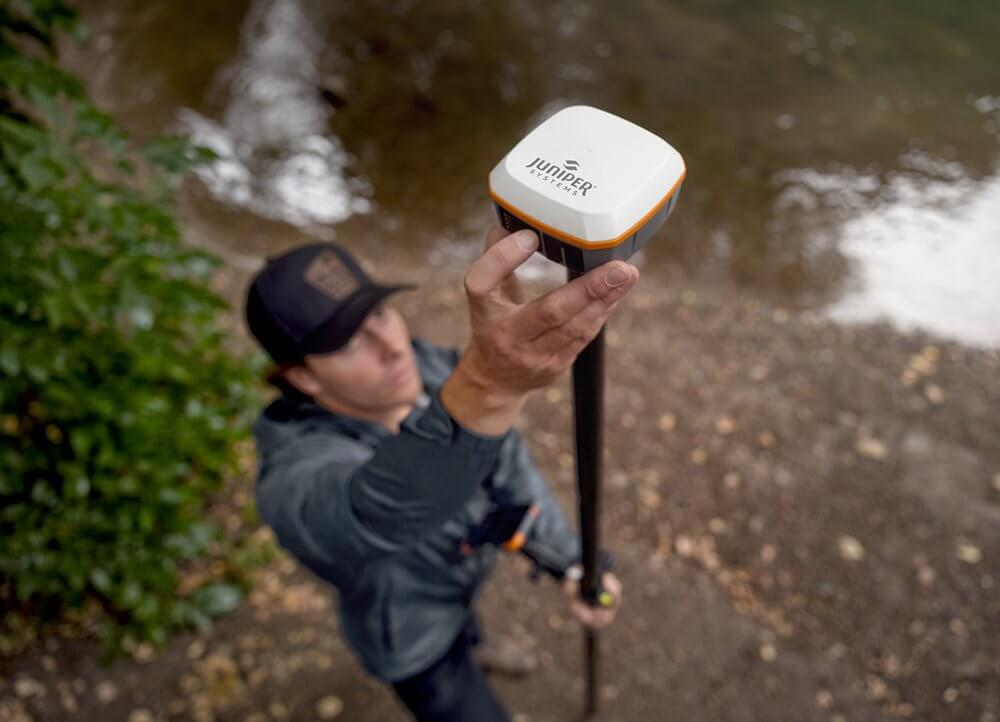
- Geode: Check the charging port and cable. If you see unusual LED behavior, such as a rapidly flashing red light, deal with it before storage.
- Archer 4: Inspect the battery door, USB-C port, hand strap, screen protector, and any expansion pods.
- Field gear: Check survey poles, mounts, cases, chargers, cables, spare batteries, keyboards, Geode grips, and carry options for wear.
Check subscriptions and renewals
Take a moment now to check your Uinta subscription and renewal date. Juniper RTK won’t expire while you’re in the off-season, but you don’t want to discover a needed renewal the morning your spring work starts.
- Confirm which Uinta and Juniper RTK subscriptions need to stay active for winter work or an early start next year.
- Review other correction service licenses and RTK subscriptions your team relies on.
- Note any workflows that depend on internet access, Bluetooth connections, or specific field apps, so nothing catches you off guard in spring.
Send in repairs now
If you’ve been waiting for the season to end to get a device fixed, this is your reminder. Sending it in now means it’s back before you need it.
- Fill out the Repair Order Form to get a Return Merchandise Authorization (RMA) number.
- Have the serial number and a description of the problem ready. You can add several devices to one order.
- Ship the device to us with your RMA number.
Before you start, confirm repairs are still available for your model; the form links to lead times and expedite options. Mesa 4 repairs that need a mainboard replacement may take longer. Topcon-branded devices are serviced through Topcon’s authorized repair centers.
Juniper Systems is proud to build rugged tablets, handhelds, GNSS receivers, and software that help you get the job done right the first time, in real field conditions. Your equipment should be as tough as you are. With the right end-of-season care, you and your equipment can stay Rock Solid and Field Ready.